

Small businesses thrive on personal connections. Whether you run a dental clinic, a home-repair service, or a local restaurant, your phone often rings before a customer walks through the door. Google Call Ads were designed precisely for that kind of direct engagement. Instead of sending potential customers to a landing page where they might get distracted, Call Ads encourage them to tap “Call” and speak with you right away.
In this article, we’ll explore how Google call-only ads empower small businesses to capture high-quality leads—the kind that convert into paying customers. We’ll also cover practical insights, such as Google Call Ads setup steps, cost factors, and proven strategies to optimize campaigns.
1. Understanding Google Call Ads
Before we get tactical, let’s clarify what Google Call Ads are and why they’re unique.
Google Call Ads are a specific ad format in Google Ads that allows you to display a “Call” button directly in search results. When someone searches for services like “24/7 plumber near me,” your ad appears with your business phone number prominently displayed. Instead of clicking on a website, the user taps the call button and is instantly connected to you.
Keyword Research for Google Ads Beginners
Key differences from standard search ads:
- Direct connection: The primary goal is to generate a phone call, not a website visit.
- Call tracking: Google provides reporting on call length, time of day, and caller area code.
- Mobile-first design: Ads are optimized for smartphones, where calling is just one tap away.
For small businesses that rely on personal consultation or immediate assistance, this ad format is a game-changer.
2. Why Google Call Ads Deliver Higher-Quality Leads
Not all leads are created equal. A form fill or a casual website visit might not always represent strong buying intent. Phone calls, on the other hand, signal urgency and interest.
Here’s why Google Ads phone campaigns produce more qualified prospects:
- Intent is high: Someone dialing your number has likely decided to purchase or book a service.
- Real-time interaction: You can answer questions, overcome objections, and close deals on the spot.
- Local relevance: Google displays your ad primarily to users within your service area, aligning with your geographic reach.
For example, a dental clinic running Call Ads can directly schedule appointments, while an HVAC technician can secure an emergency repair job within minutes.
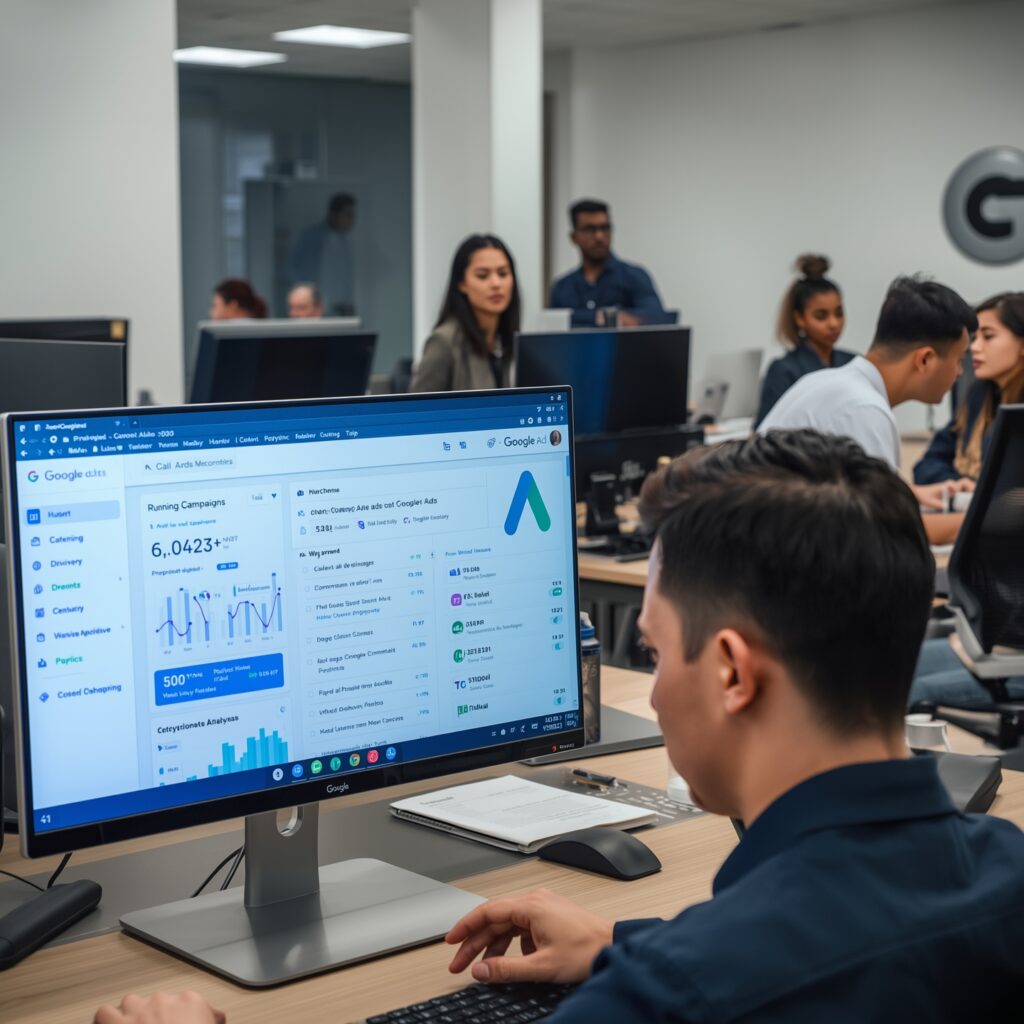
3. Step-by-Step Google Call Ads Setup
Setting up a successful campaign might seem technical, but with a clear roadmap, any small business owner or marketer can do it. Follow these steps for a smooth Google Call Ads setup:
Step 1: Create a New Campaign
- Log in to your Google Ads account and click “New Campaign.”
- Choose the goal, Leads or Sales, to focus on conversions.
Step 2: Select “Search” as the Campaign Type
- Call Ads run on the Google Search Network, so your ad appears when someone actively searches for your service.
Step 3: Pick the “Call” Objective
- Under campaign subtype, choose Phone Calls and enter your business phone number.
- Make sure your number is accurate and active during business hours.
Step 4: Target Your Audience
- Set geographic targeting to the cities or regions you serve.
- Add keywords that match your customer’s search intent, such as “emergency plumber Delhi” or “best dentist near me.”
Step 5: Set Your Budget and Bidding
- Decide your daily budget based on the expected Google call ads cost (covered in Section 4).
- Use “Maximize Conversions” or “Maximize Clicks” with a target cost-per-conversion if you have enough data.
Step 6: Create the Ad Copy
- Headlines 1 and 2 should highlight urgency or value, e.g., “Call Now for Same-Day Service” or “Free Consultation.”
- Include your phone number and a strong call-to-action (CTA) like “Tap to Speak with an Expert.”
Step 7: Enable Call Reporting & Conversion Tracking
- Turn on call reporting so you can measure call duration and caller details.
- Set a minimum call length (e.g., 30 seconds) to count as a conversion.
This Google call ads setup ensures you’re ready to receive and track quality calls from day one.
Step-by-Step Guide to Launching Your First Google Ads Campaign
4. Understanding Google Call Ads Cost
Budgeting is a major concern for small businesses. The good news is that Google call ads cost follows the same pay-per-click (PPC) model as regular search ads: you only pay when someone clicks (taps) to call.
Factors affecting cost include:
- Industry Competition – A local lawyer might pay ₹150–₹400 per call click, while a neighborhood bakery might spend ₹20–₹40.
- Location Targeting – Costs are higher in metro cities like Delhi or Mumbai compared to smaller towns.
- Ad Quality Score – Better ad relevance and higher expected click-through rates reduce cost-per-click.
- Time of Day – Running ads during high-demand hours (e.g., evenings for food delivery) may increase bids.
Example budgeting:
If you set a ₹1,000 daily budget and your average cost per call click is ₹50, you can expect roughly 20 potential phone calls per day. Even if only half of those calls convert, that’s 10 paying customers—a strong return for many small businesses.
5. Crafting Irresistible Ad Copy
A well-structured ad is the difference between a casual browser and a caller. Here’s how to write ad copy that compels action:
- Highlight Benefits in the Headline: “Same-Day AC Repair – Call Now” speaks directly to urgency.
- Add Trust Signals: Include “Certified Technician” or “Over 500 Positive Reviews.”
- Use Extensions: Sitelink or callout extensions can provide extra details like “Free Estimates” or “Open 24/7.”
The goal is to communicate value in under 90 characters per headline. Remember, mobile users scan quickly—clarity wins.
6. Optimizing Keywords for Maximum Impact
Keywords decide when your Google call-only ads show up. To capture the best leads:
- Focus on High-Intent Keywords: Include action words like “hire,” “book,” “repair,” or “near me.”
- Use Phrase & Exact Match: Prevents wasted clicks from irrelevant searches.
- Add Negative Keywords: Filter out queries like “free,” “jobs,” or “DIY” that don’t generate customers.
Regularly review the Search Terms report to refine your list and lower the Google call ads cost over time.
7. Tracking and Measuring Call Quality
Clicks alone don’t tell the full story. Google’s built-in call reporting provides:
- Call Duration – Helps identify genuine inquiries (e.g., >30 seconds).
- Caller Area Code – Confirms your geographic targeting accuracy.
- Time of Call – Reveals peak periods for staffing and ad scheduling.
You can also integrate Google Ads with a CRM to record call outcomes—sales, appointments, or follow-ups. This data enables smarter bidding and higher ROI.
8. Reducing Wasted Spend and Improving ROI
Even with the best setup, some calls may be wrong numbers or quick hang-ups. To protect your budget:
- Set Call Conversion Windows: Only count calls above 30–60 seconds as conversions.
- Schedule Ads: Show ads only during hours when staff can answer.
- Adjust Bids by Device: Increase bids for mobile if most calls originate there.
- Regularly Review Performance: Pause underperforming keywords or ads.
By fine-tuning these levers, you lower google call ads cost while increasing lead quality.
9. Real-World Success Stories
Let’s illustrate with a few fictional yet realistic examples:
- Neighborhood Plumber: Raj runs a plumbing service in New Delhi. After launching Google Call Ads, he noticed a 60% increase in direct calls within the first month. Because people searching “emergency plumber Delhi” are ready to hire, his close rate jumped from 25% to 45%.
- Dental Clinic: Dr. Meera’s clinic used Call Ads for weekend appointments. With a ₹500 daily budget and an average call click cost of ₹40, she booked 12 new patients in two weeks.
- Home Cleaning Service: A Bangalore-based cleaning start-up used Call Ads to offer same-day service. By optimizing keywords and scheduling ads during early mornings and evenings, they cut their cost-per-lead by 30%.
These stories highlight how Google Call Ads setup and ongoing optimization drive measurable business outcomes.
Beginner Guide: Launching Your First Google Ads Campaign
10. Future Trends and Final Tips
As mobile usage grows, direct calling remains a powerful conversion channel. Emerging trends include:
- AI Call Routing: Integrating with CRM systems to direct calls to the right team.
- Voice Search Optimization: Optimizing keywords for “near me” and voice-based queries.
- Smart Bidding: Google’s automated strategies will continue to improve call conversion efficiency.
Key Takeaways
- Start small with a clear daily budget.
- Focus on high-intent keywords and strong ad copy.
- Monitor Google call ads cost and adjust based on ROI.
- Always track calls to measure quality, not just volume.
Final Thoughts
For small businesses, click-to-call ads offer a direct, personal path to new customers. They cut through the noise of forms and emails, putting you in immediate conversation with people who are ready to buy. With the right Google call ads setup, a thoughtful approach to keywords, and careful budgeting around Google Ads phone campaigns cost, you can consistently capture quality leads and grow your revenue.
Start with a modest budget, track your results, and keep refining. In today’s mobile-first world, a ringing phone might just be the most valuable metric you measure.